Cookie information
We use cookies and similar technologies for proper service operation, analytics and – if you consent – personalization.
At least essential cookies are required for the app to function. You may decline – that will terminate further use of the service.
Not accepting cookies may result in some features of the site being unavailable!
We use cookies for essential functions, analytics and – with consent – personalization. Privacy Policy.

Live crew communication
An online intercom for live production
Connect directors, operators, and field teams with low-latency intercom that runs in the browser.

MediaDock / intent
A command from the control room should reach the right person, wherever the crew is working.
The solution
Everyone hears the right channel
Web Intercom mirrors classic intercom logic while running wherever your crew works.
In practiceWhat this is
An online intercom is operational communication: the director gives a cue and the right person hears it in the right channel. It is different from a normal group call.
 What this is / 01
Where the work gets hard
One shared channel mixes commands. Camera, audio, and production need different information at the same moment.
Traditional intercoms need panels, cabling, and on-site configuration. With a distributed crew, transporting that equipment becomes another project.
Professional systems become expensive as the number of positions grows, while short events cannot always absorb the setup time.
In practice
Channels the whole crew understands
 In practice / 02
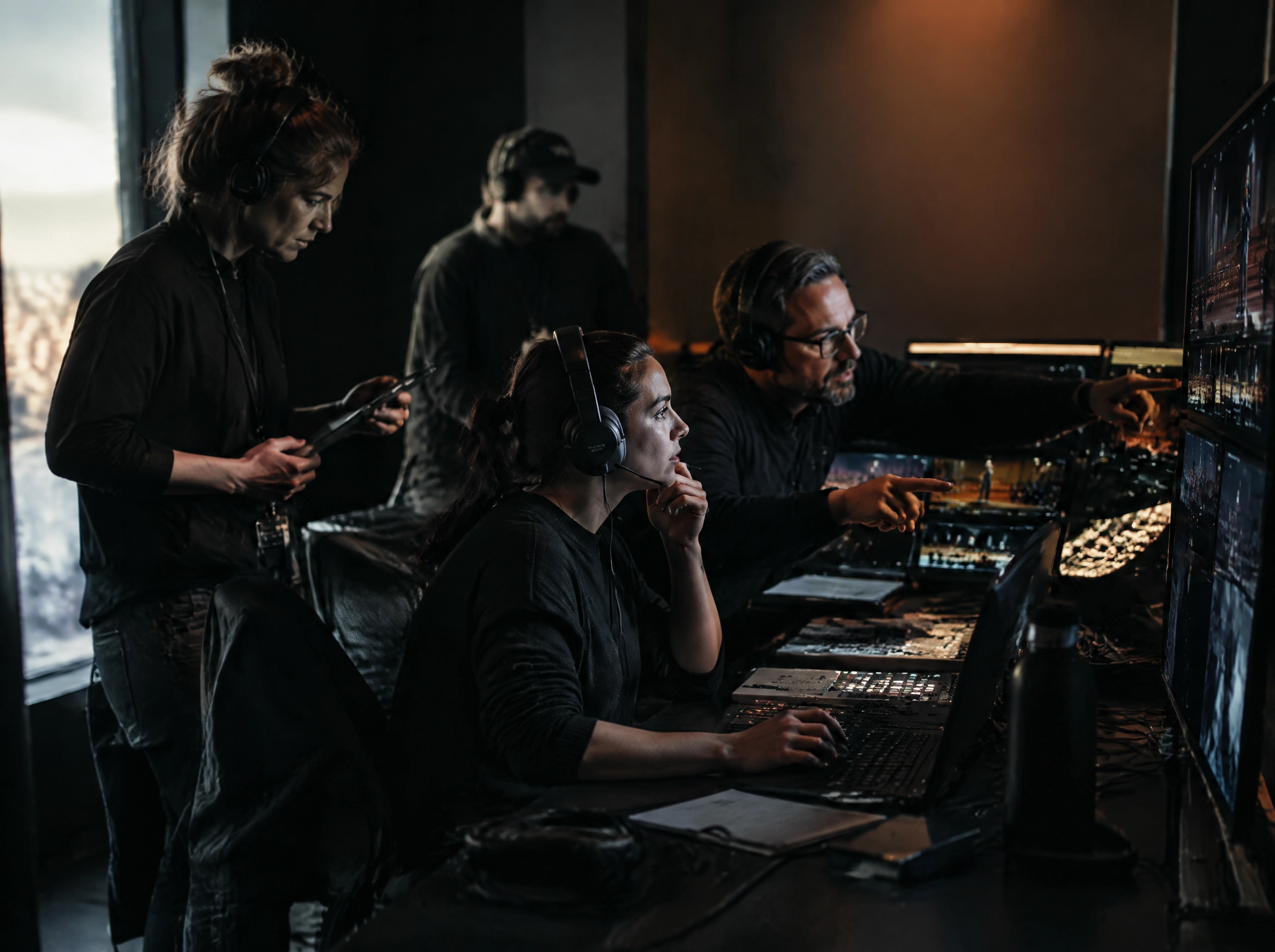
Create channels for the control room, cameras, audio, production, and the field team.
Assign participants to roles instead of creating temporary groups in private messengers.
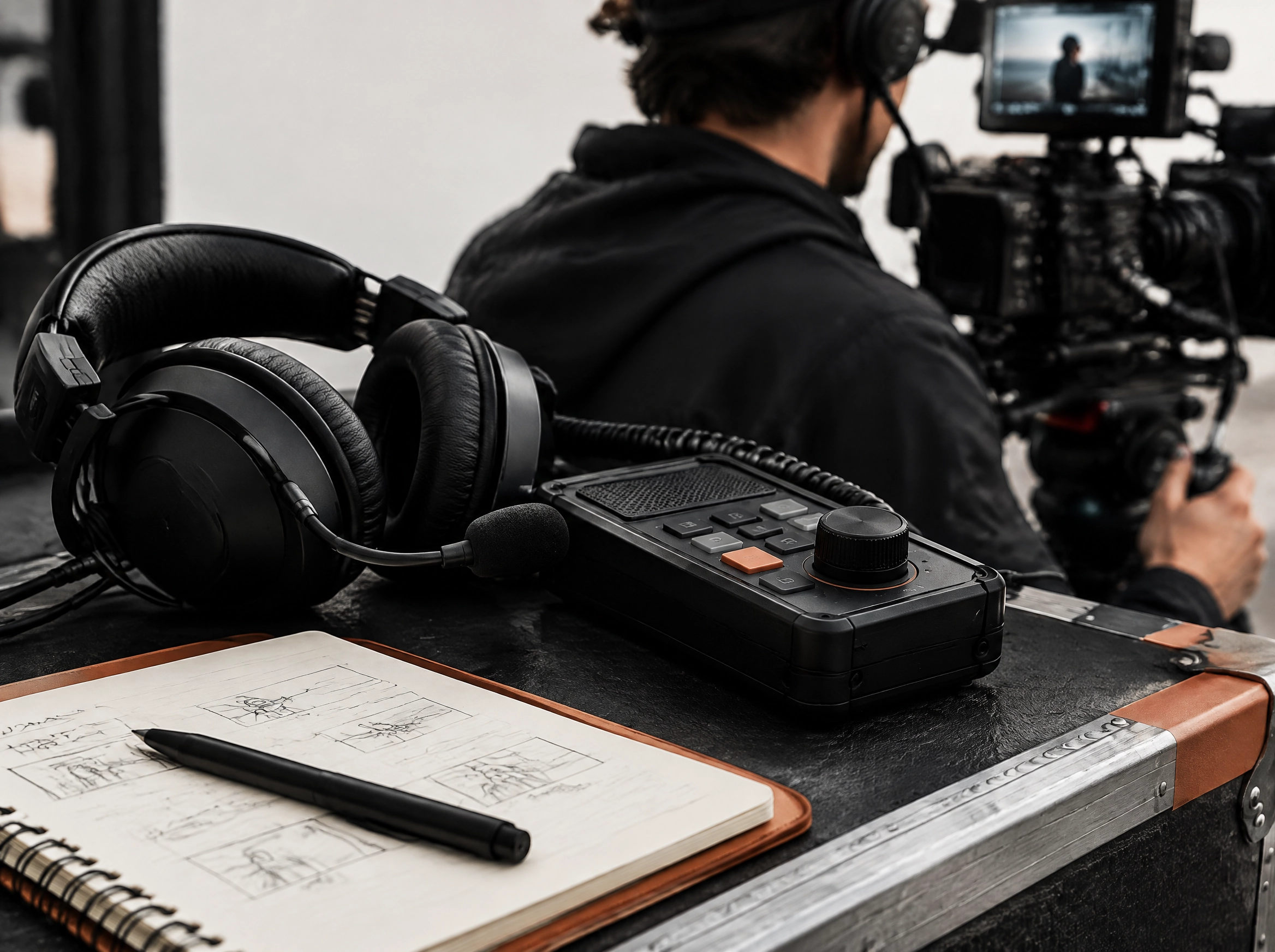
Push-to-talk, mute, and routing keep several conversations separate.
The crew joins from a browser or mobile device while production keeps ownership of the setup.
Browser intercom
Communication as part of the plan
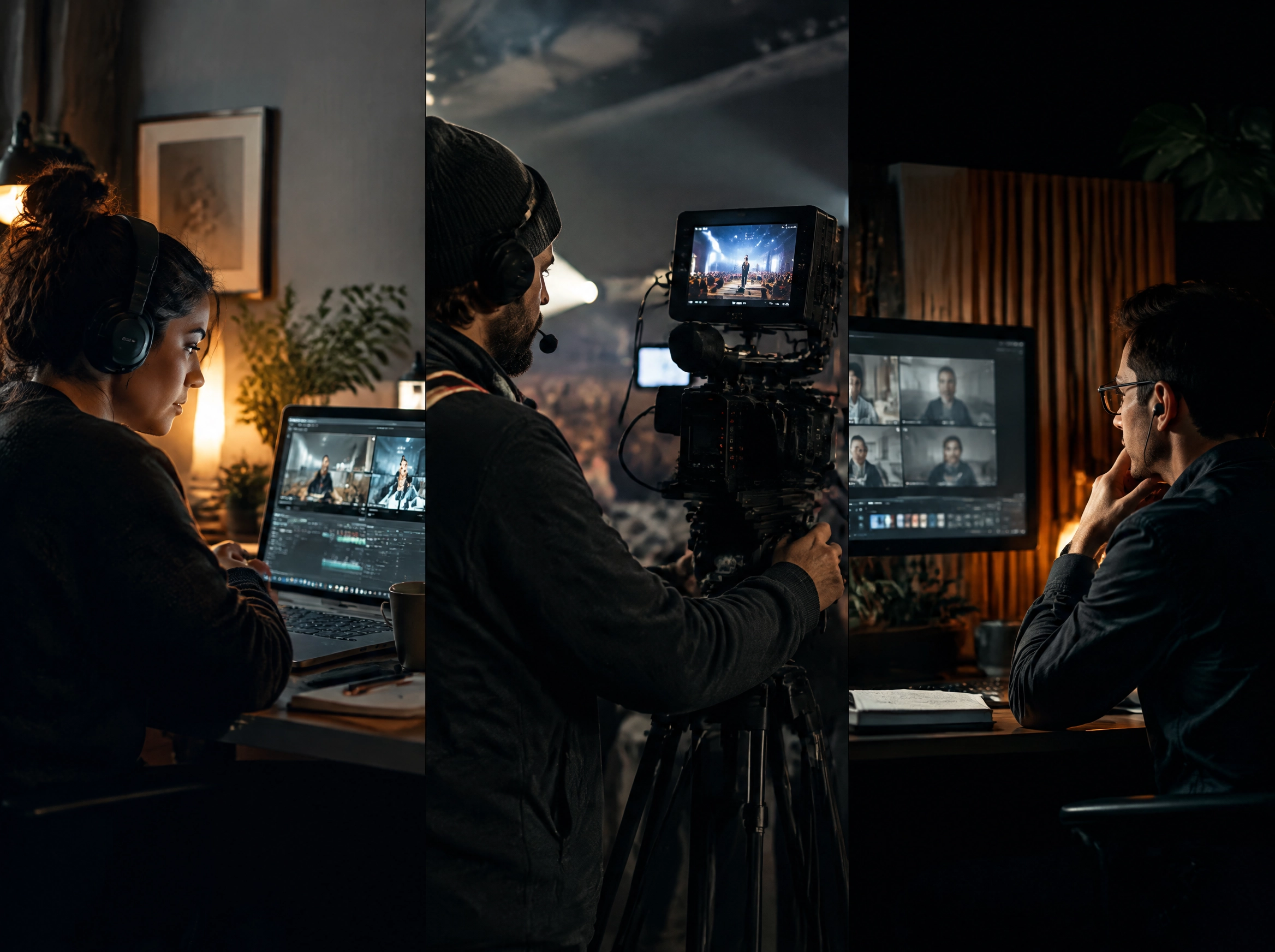
During a broadcast, low latency is only half the problem. The right context must reach the camera operator, audio team, producer, and technical crew separately.
Web Intercom follows the channel logic of classic systems while removing the need for a heavy hardware rollout. That makes it practical for distributed and mobile teams.
When channels are prepared with the project, the crew does not waste time deciding where the next command belongs.
 The solution, cost, and time / 03
The solution, cost, and time
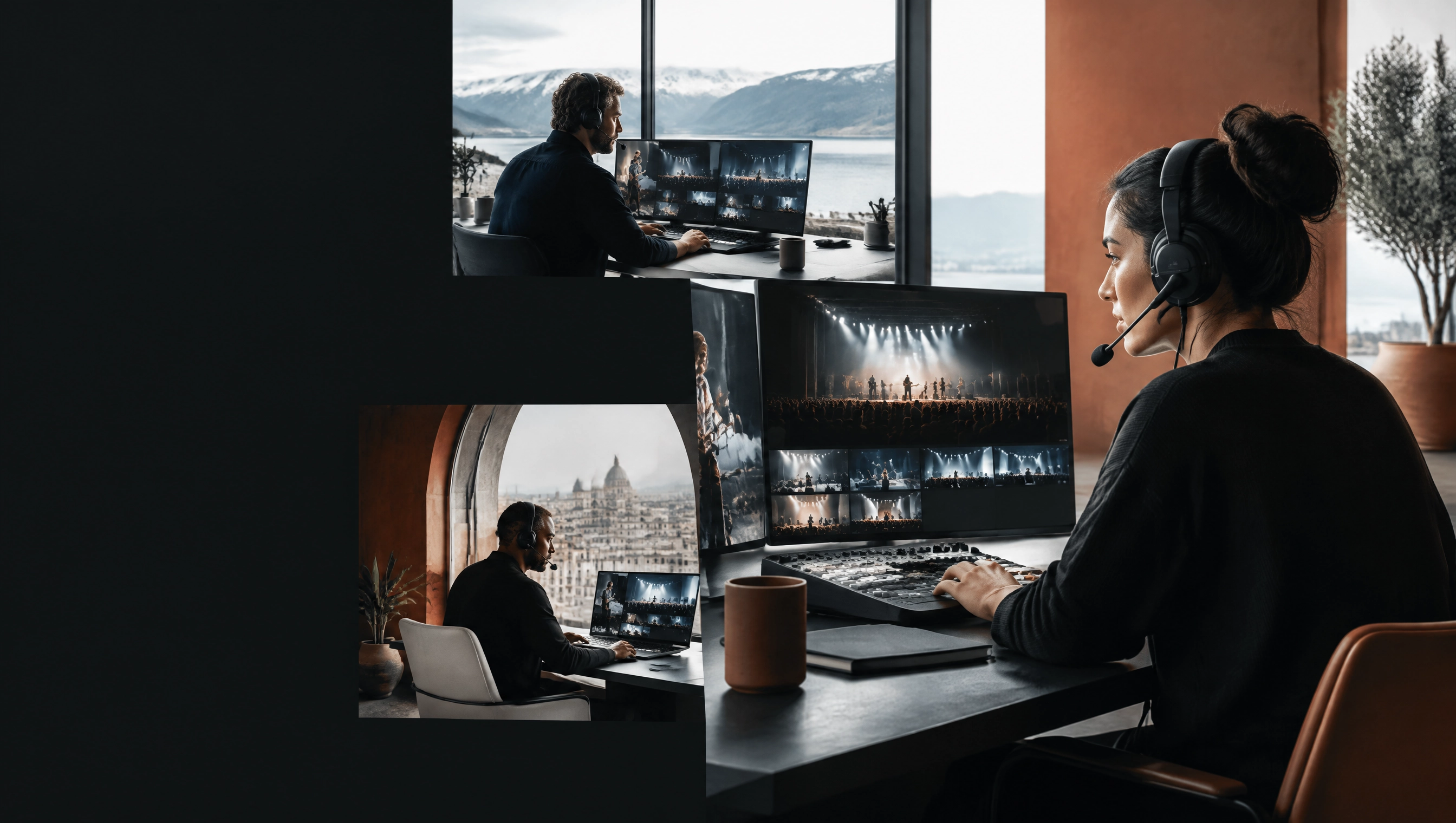
Web Intercom creates channels, roles, and routing in the browser. Crew members can join from a computer or mobile device within production permissions.
For many productions, the crew can start with equipment they already own. Add dedicated panels only where they genuinely improve the operation.
Open the moduleCreate a broadcaster account

Next step