Cookie information
We use cookies and similar technologies for proper service operation, analytics and – if you consent – personalization.
At least essential cookies are required for the app to function. You may decline – that will terminate further use of the service.
Not accepting cookies may result in some features of the site being unavailable!
We use cookies for essential functions, analytics and – with consent – personalization. Privacy Policy.

Online teleprompter
An online teleprompter for presenters and crews
Sync scripts across devices, control pace, and run a show without installing extra software.
MediaDock / intent
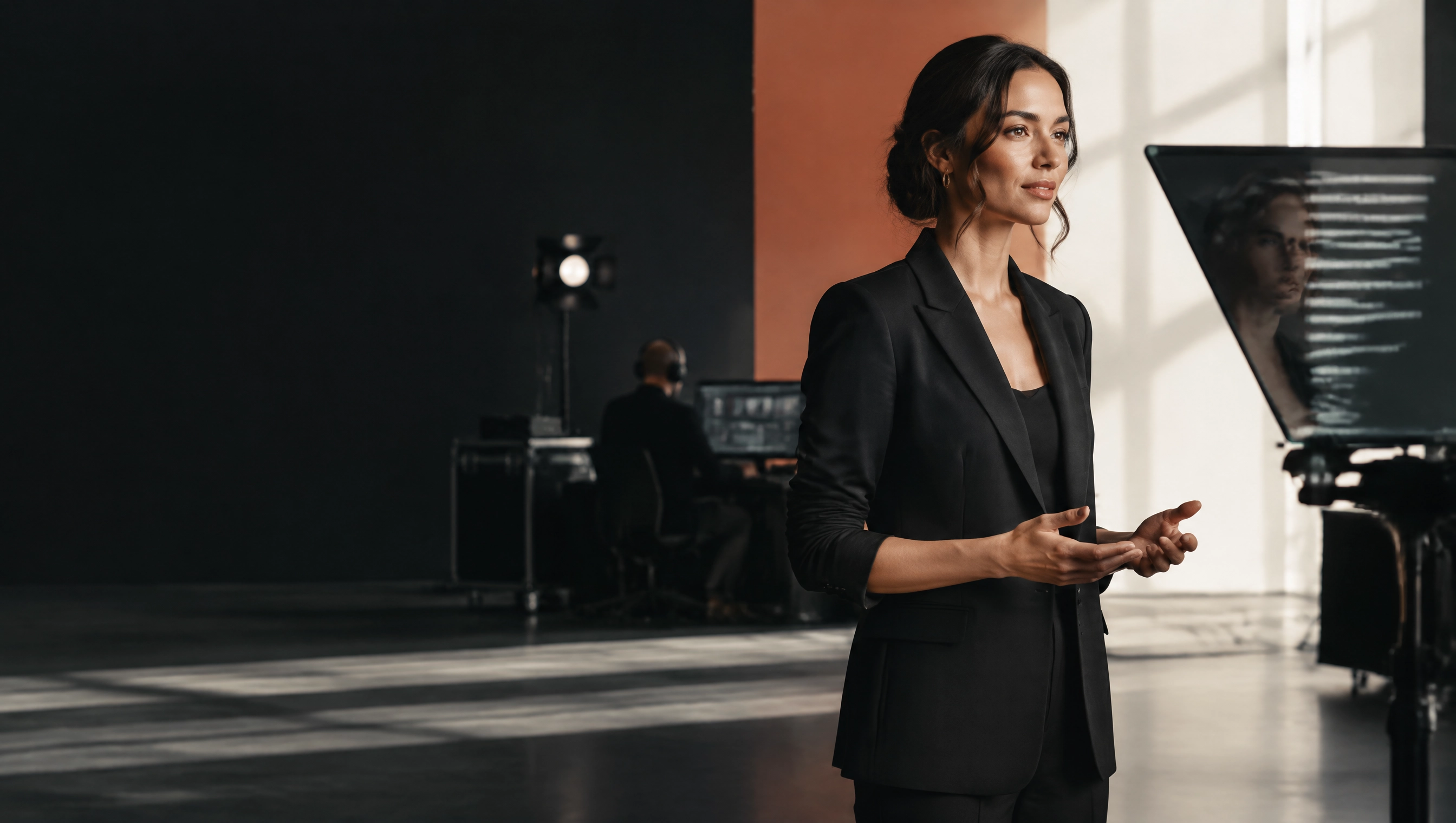
The script guides the programme without taking the presenter away from the camera.
The solution
The words stay where they belong
MediaDock Prompter connects presenter confidence with control-room direction, including remote productions.
In practiceWhat this is
An online teleprompter shows the presenter the current script and helps the programme keep its pace. The script, control room, and person on camera need to share one version.
 What this is / 01
Where the work gets hard
Files sent through chat quickly multiply. A presenter can open an old version while a last-minute correction never reaches the right device.
Without pace control, text runs ahead of or behind the speaker. Every pause then looks like a problem with the whole show.
Dedicated teleprompter systems and extra positions are expensive when a production is remote or happens only a few times a month.
In practice
A prompter that works with the control room
 In practice / 02
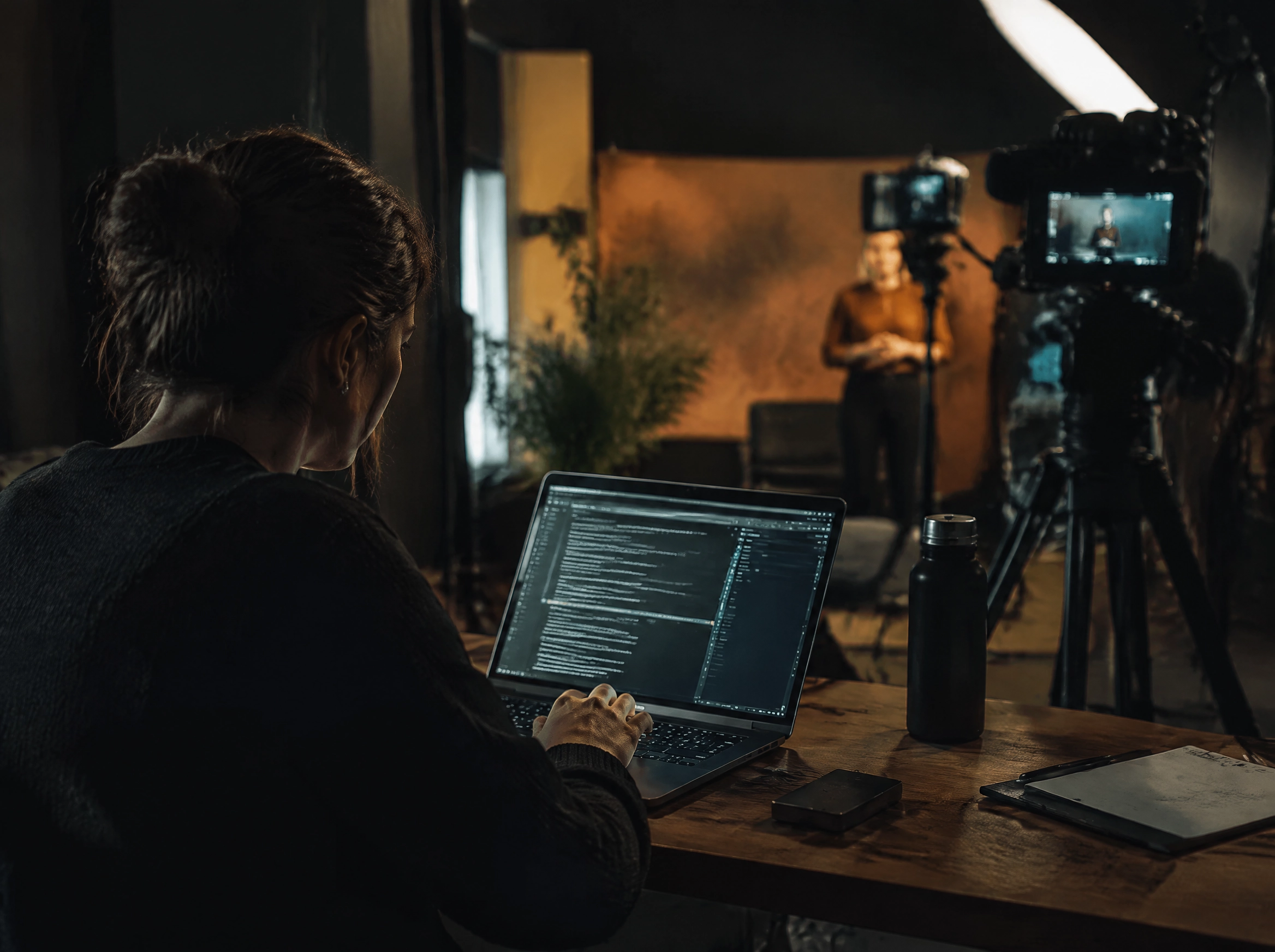
The producer prepares a script version and shares it with the presenter without passing files between devices.
Scrolling speed can match the speaker, and changes appear where the segment is being delivered.
The control room can update order or copy without losing the version used on set.
After the programme, the script remains part of the production record.
Online teleprompter
Fewer pages, fewer interruptions
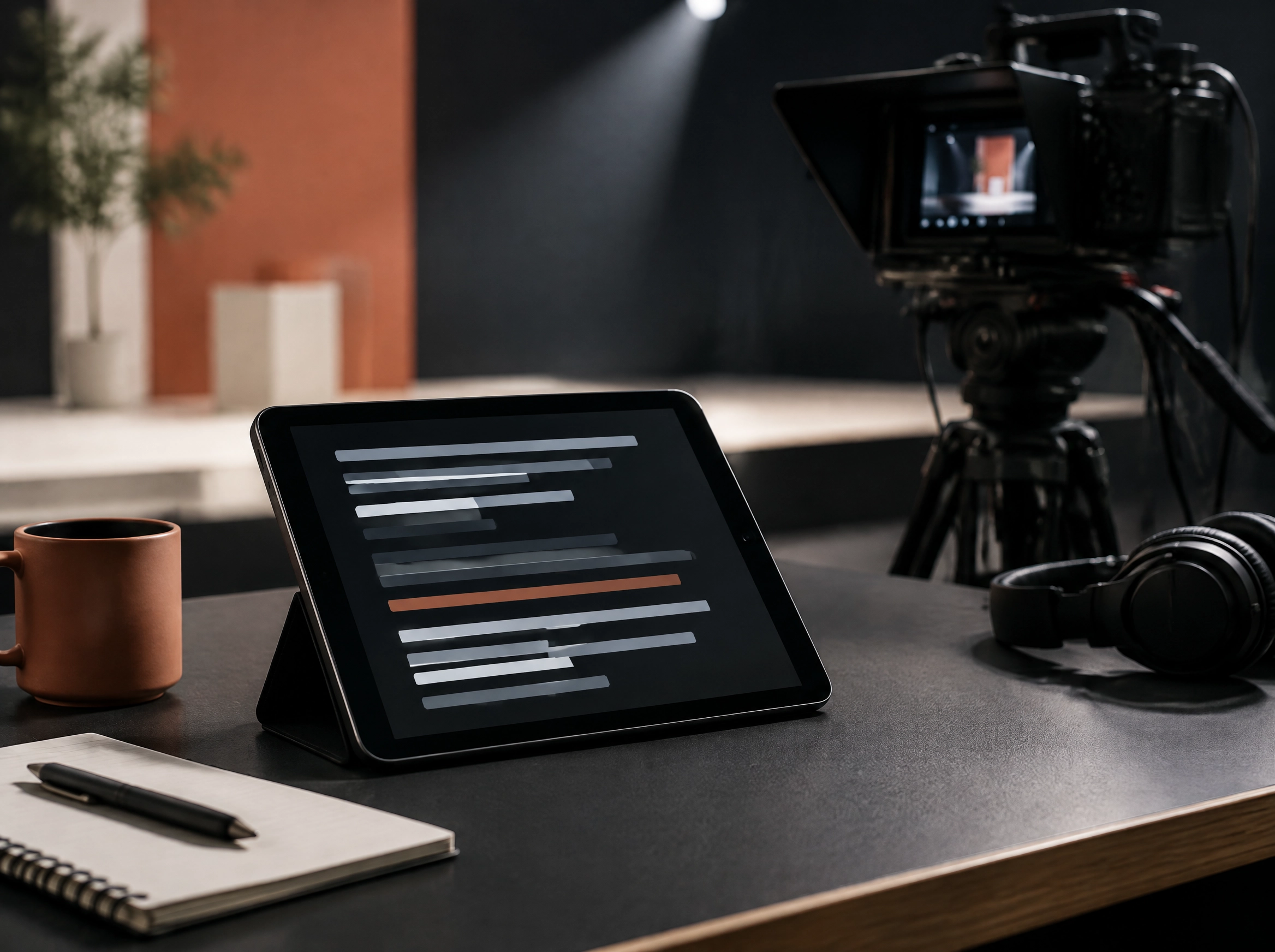
The presenter needs readable copy while the producer needs control over what comes next. An online prompter connects both perspectives without installing extra software at every station.
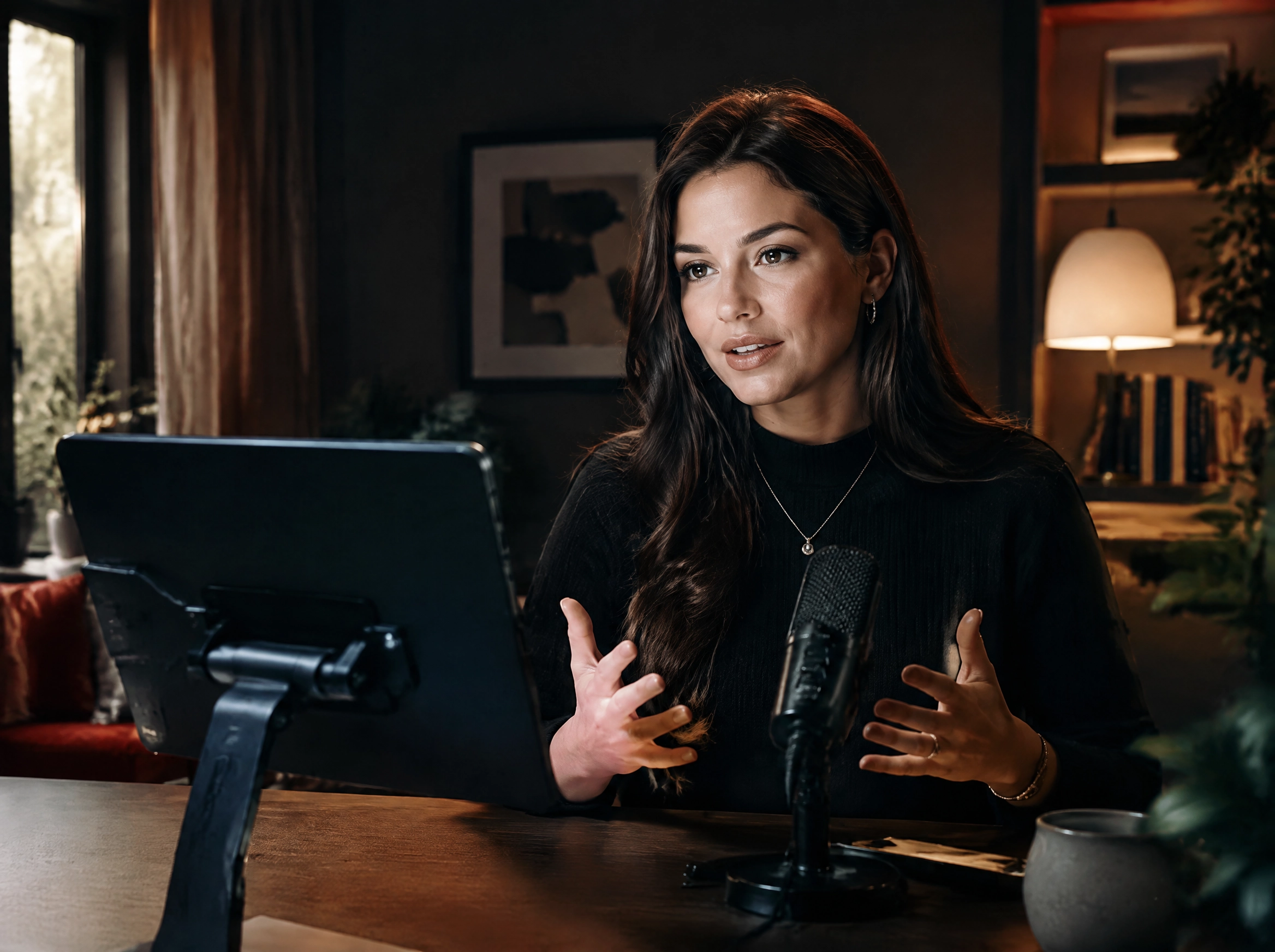
The script can support a studio, webinar, or remote production. A change does not require a new export or a search for the right attachment in a chat.
It is a small workflow detail that reduces improvised pauses and lets the presenter focus on the audience instead of the text.
 The solution, cost, and time / 03
The solution, cost, and time
MediaDock Prompter synchronises scripts in the browser, controls pace, and keeps the text tied to the production that is using it.
There is no separate application to install on every device and no manual export for every revision. The crew can use the prompter where they already work.
Open the moduleCreate a broadcaster account

Next step