Cookie information
We use cookies and similar technologies for proper service operation, analytics and – if you consent – personalization.
At least essential cookies are required for the app to function. You may decline – that will terminate further use of the service.
Not accepting cookies may result in some features of the site being unavailable!
We use cookies for essential functions, analytics and – with consent – personalization. Privacy Policy.

An archive that is ready now
Cloud recording for live streams
Capture streams with metadata, replication, and fast preview so footage is ready for VOD and post-production.

MediaDock / intent
The material is ready for review, VOD, and post-production before the crew leaves the control room.
The solution
A recording is more than a file
MediaDock Storage connects capture, retention, and reuse in one production ecosystem.
In practiceWhat this is
Cloud recording stores the programme and sources together with their production context. The archive becomes part of the workflow instead of a random folder created afterwards.
 What this is / 01
Where the work gets hard
After a show, teams often cannot tell which file is the programme master and which is a test. Manual copying delays VOD, highlights, and reporting.
Downloading large recordings needs time and local storage. A failed drive can remove the only copy.
Cloud cost grows when each project has a separate store, manual copies, and unclear retention rules.
In practice
The recording already has a next step
 In practice / 02
The recorder saves the source or programme with technical parameters and production metadata.
Replication protects the material, while fast preview avoids downloading the full file.
The team can select a VOD or edit segment without manually moving data between systems.
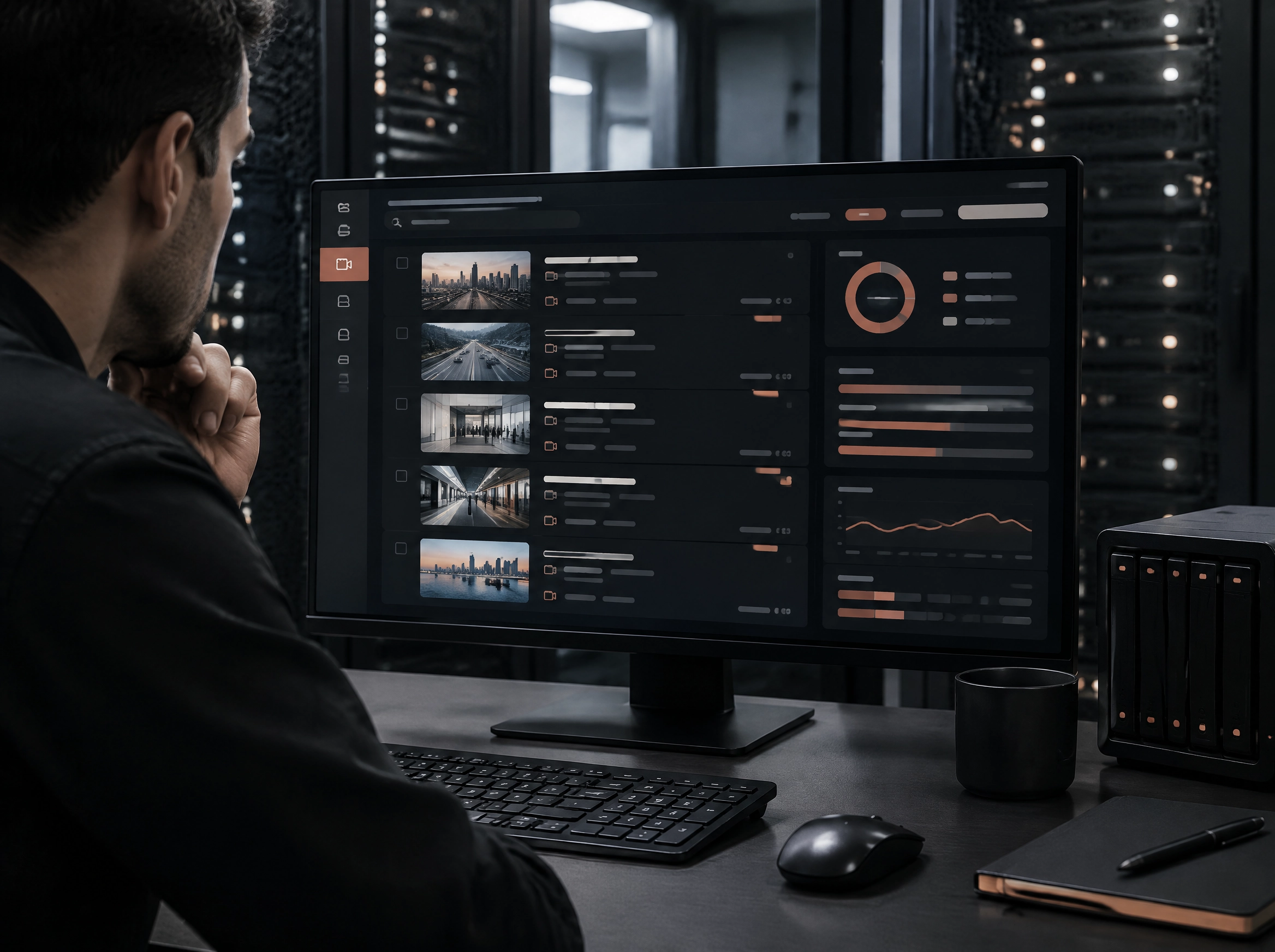
Retention, access, and operation history stay attached to the project and its permissions.
Cloud video recording
An archive that keeps working after live
The worst time to search for a recording is when a client asks for it minutes after the broadcast. Recording should be part of the show, not a task that begins afterwards.
MediaDock Storage keeps material in the context of its source, event, and stream. You can check quality, share a preview, and prepare the file for the next stage quickly.
That shortens the path from live to VOD, highlights, and reporting without copying files across random drives and accounts.
 The solution, cost, and time / 03
The solution, cost, and time
MediaDock Storage keeps footage attached to its stream, with replication, fast preview, and access control inside the project.
Use retention that matches the production instead of buying excessive local disks and maintaining several copy locations. Faster preview shortens the road from live to publication.
Open the moduleCreate a broadcaster account
Next step